

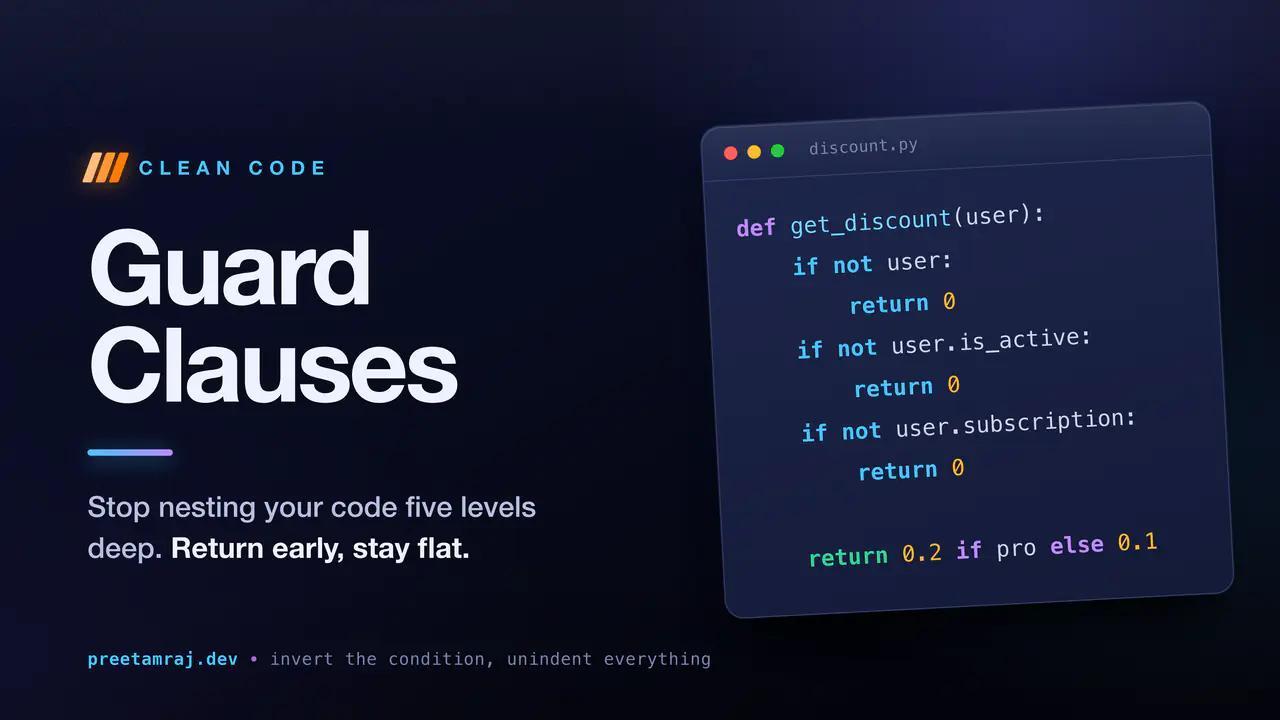
Guard Clauses: How to Stop Nesting Your Code Five Levels Deep
July 11, 2026
3511 min readDeeply nested if/else blocks are hard to read and easy to break. Guard clauses flatten your logic with early returns so the happy path stays obvious.
You have seen this function. You have probably written it. I certainly have.
def get_discount(user):
    if user:
        if user.is_active:
            if user.subscription:
                if user.subscription.tier == "pro":
                    return 0.2
                else:
                    return 0.1
            else:
                return 0
        else:
            return 0
    else:
        return 0
Five levels of indentation to answer one small question. The actual logic, those two discount numbers, is buried at the bottom of a pyramid. To understand any single branch you have to hold every condition above it in your head at once.
Guard clauses fix this, and the idea fits in one sentence: handle the invalid and edge cases first, return early, and let the main logic sit flat with nothing wrapped around it.
The same function, flattened
def get_discount(user):
    if not user:
        return 0
    if not user.is_active:
        return 0
    if not user.subscription:
        return 0

    return 0.2 if user.subscription.tier == "pro" else 0.1
Same behaviour, zero nesting. Each early return is a guard - it catches a case that should stop the function, deals with it, and gets out of the way. By the time you reach the last line, you already know the user exists, is active, and has a subscription. The real work reads straight down the page.
Why this beats "it just looks cleaner"
You carry less in your head. In the nested version, return 0.2 lives inside four conditions, so to reason about it you mentally track all four. With guards, each one removes a possibility for good. Every line below a guard is strictly simpler than the lines above it.
You separate the exceptional from the normal. Guards are where the "this shouldn't happen" and "nothing to do here" cases go. What survives to the bottom is the point of the function. A reader can skim the guards and focus on what matters.
Bugs get shallower. A missing branch in a deep if/else tree is easy to overlook. A missing guard is one line that either exists or doesn't.
The core move: invert the condition
The mechanical trick is to flip each condition and return on the failure case instead of wrapping the success case.
Before:
if is_valid:
    process()
After:
if not is_valid:
    return
process()
Any time you see if condition: wrapping the entire rest of a function, you can almost always invert it into a guard and unindent everything below.
Guards aren't only for returns
The same shape works with continue inside loops:
for order in orders:
    if order.status != "paid":
        continue
    if order.refunded:
        continue

    ship(order)
And with early raise for genuinely invalid input:
def transfer(amount, account):
    if amount <= 0:
        raise ValueError("amount must be positive")
    if account is None:
        raise ValueError("account is required")

    account.balance += amount
The pattern is identical every time: deal with what you can't proceed on, then proceed.
When a guard clause is the wrong tool
Guard clauses are not a rule to apply blindly.
Watch out for cleanup. If a function grabs a resource that has to be released, scattered early returns can skip the release. Reach for a with block or try/finally so cleanup happens no matter which exit you take.
Don't let a guard hide missing logic. Returning a silent 0 or None can swallow a real error. Ask whether the edge case should return a neutral value or actually raise. A guard that returns the wrong default is still a bug, just a tidy looking one.
Don't over-guard. If you write ten guards before two lines of real work, the function is probably doing too much, or its inputs are badly shaped. That is a design smell, not a formatting one.
One before-and-after to keep
Nested:
def can_checkout(cart):
    if len(cart.items) > 0:
        if cart.total > 0:
            if not cart.is_locked:
                return True
    return False
Guarded:
def can_checkout(cart):
    if len(cart.items) == 0:
        return False
    if cart.total <= 0:
        return False
    if cart.is_locked:
        return False

    return True
The second version tells you exactly what disqualifies a cart, one reason per line.
The takeaway
Guard clauses are the cheapest readability upgrade in programming. No new library, no framework, no refactor sprint. The next time you catch yourself indenting an entire function body inside an if, invert the condition, return early, and unindent. Do it a few times and the arrow-shaped code you used to write will start to look wrong.


